Run Gazebo Simulation
Copy the two generated ROS packages over to your Ubuntu 16.04.3 LTS machine/partition (hebi_daisy_hexapod_test_generated_launch… and hebi_daisy_hexapod_test_generated_urdf…).
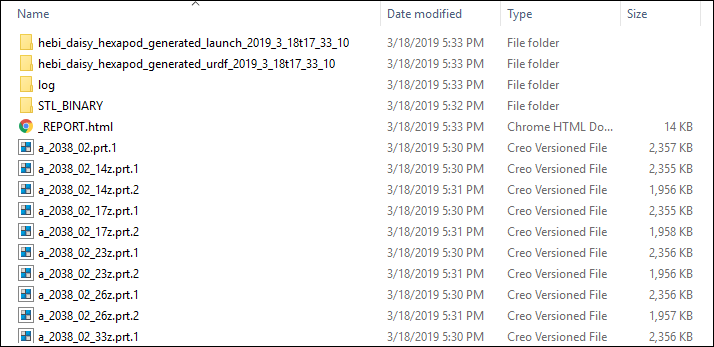
On Ubuntu 16.04.3 LTS machine/partition:
- Open a terminal window and run:
~/tasck/behavior_library_catkin_ws/catkin_ws/devel/setup.bash
roslaunch hebi_daisy_hexapod_generated_launch... run_robot_simulation.launch
Hit ‘play’ button on bottom bar in Gazebo GUI when it appears - ROS time is slaved to Gazebo simulation time.
One of the terminal windows will prompt you to enter keystrokes to control the Daisy robot (once it finishes standing up):
W - forward
X - reverse
A - strafe left
D - strafe right
Q - rotate left
E - rotate right
S - stop
Congratulations! You have completed the HEBI Daisy Hexapod Tutorial.