Create New Component Assemblies Folder
First, you need to create a new Component Assemblies folder:
Locate the GME Browser window.
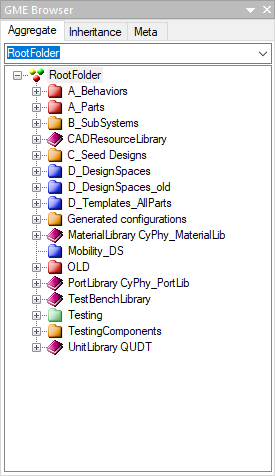
Right-click on the RootFolder and select .
Name this new folder HEBI_Daisy_Hexapod_Tutorial_Asm.
Create Daisy Component Assembly
Locate the GME Browser window.
Right-click on the RootFolder > HEBI_Daisy_Hexapod_Tutorial_Asm Component Assembly folder and select .
Name this new Component Assembly HEBI_Daisy_Hexapod.
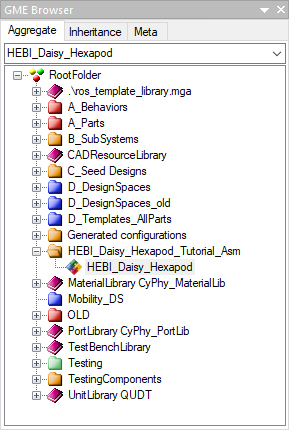
Double left-click the new HEBI_Daisy_Hexapod Component Assembly to open its canvas.